0.0
s to reply
LWS
Jarvis · liveListening
Review a PR
website repo · 2 open PRs
Confirm.
› gh pr review 42 --approve
Done. Forty-two is approved.
Open source · MIT · v1.1.0
carcode · Claude Code over CarPlayCode from your car.
JarvisDone. Forty-two is approved.
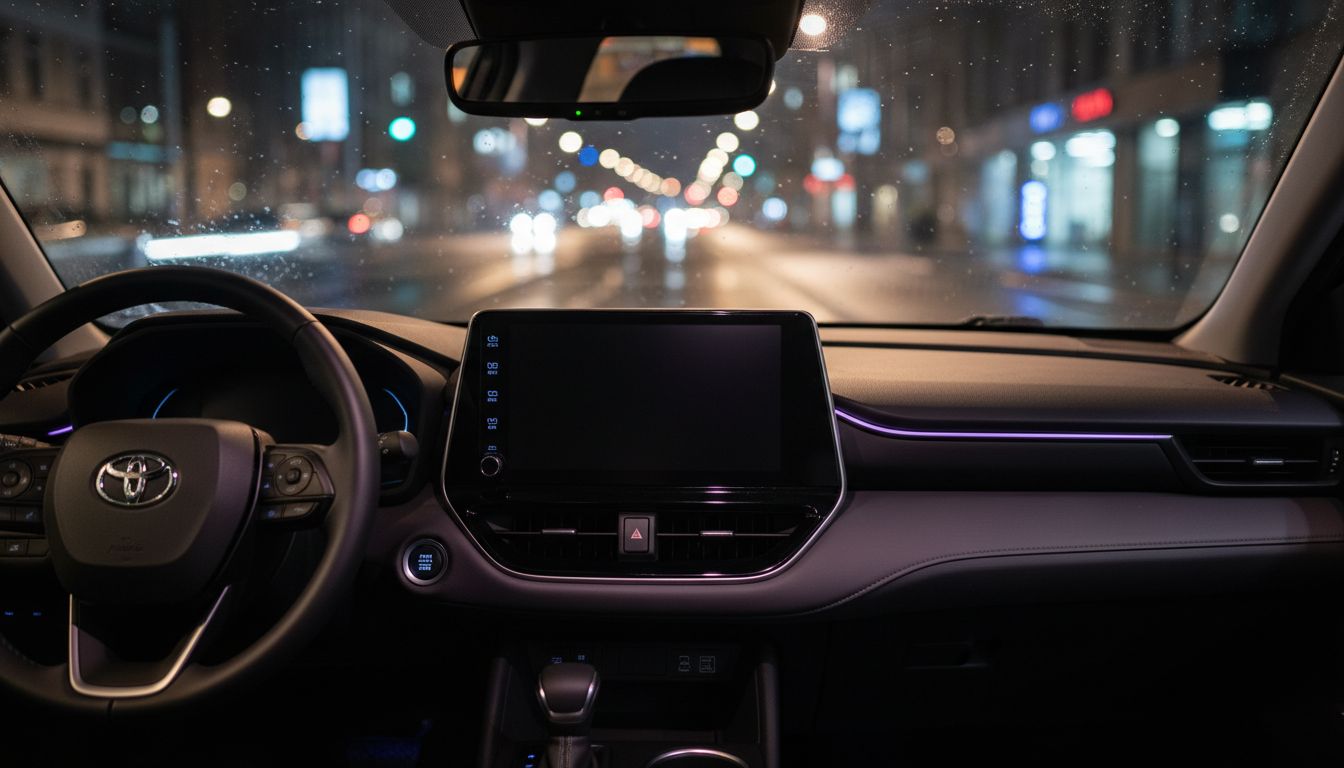
Say "Hey Siri, Jarvis." Claude Code reviews your PRs, catches you up on Slack and ships draft fixes on your Mac, then answers out loud through CarPlay.
- every spoken reply
- < 8s
- command to install
- 1
- apps or API keys
- 0
- never pushes to main
- Draft PRs
01 · What you can ask
Your whole dev workflow, by voice.
"What are my open PRs? Is CI green on the website repo?"
ghReads GitHub with gh
"Summarize PR forty-two. Approve it. Confirm."
ghReads the diff, approves only after you confirm
"Anything on Slack mentioning me today?"
slackSearches your Slack connector
"Message Alex that I'll be ten minutes late."
slackReads the message back, then sends it on confirm
"Fix the broken footer link and open a draft PR."
gitBranch carcode/…, commit, push, draft PR
"What's on my calendar this afternoon?"
calendarUses your Calendar connector
"Status · Cancel · New session · Bye"
carcodeControls the conversation
02 · How it works
Five small pieces. One conversation.
Your words travel from the car to your Mac over a secure tunnel, Claude Code does the work with your real tools, and the answer comes back as speech. Nothing runs on a third-party server, and the Mac only listens on localhost.
Listens and speaks
Siri Shortcut
Sends your words to your Mac, speaks the answer, then listens again until you say "bye". carcode generates and signs it for you.
Reaches your Mac
Cloudflare tunnel
A free quick tunnel gives your Mac a public HTTPS address, so your phone reaches it over mobile data.
Keeps it smooth
carcode server
A small FastAPI app. Keeps Claude Code warm, holds slow answers, joins split sentences and runs the dashboard.
Does the work
Claude Code
Your normal CLI login, working in your repos folder. No API key, no new account.
git · gh · connectors
Your tools
git, the GitHub CLI and your connectors: Slack, Gmail, Calendar, Drive and more.
03 · Built for the road
Designed around a driver, not a screen.
01
Fast
One Claude Code session stays warm per device, so answers come back in seconds, not cold starts.
02
Patient
It notices half-sentences, says "Go on" and waits for the rest of your thought.
03
Never stuck
Every reply arrives within 8 seconds. Long jobs say "One moment" and finish in the background.
04
Careful
It reads back messages, merges and approvals, and acts only after you say "confirm".
05
Visible
A live dashboard on your phone shows the whole conversation and how long each answer took.
04 · Safety
It asks before it acts.
The confirm rule
Message Alex that I'll be ten minutes late.
I'll send Alex: "I'll be ten minutes late." Say confirm.
Confirm.
› slack · send message
Sent.
Confirms before acting for you
Before it sends a message, merges or approves a PR, deletes anything or posts publicly, it reads the action back and waits for "confirm".
Allowlisted tools
Files, git, gh, package managers, python3, node and your connectors. Every other shell command is denied, and you can trim the list further.
Draft PRs only
Code changes land on a carcode/… branch as a draft pull request. It's told never to push to main or force-push.
Content is data, not instructions
Text inside PRs, emails and Slack messages is treated as data, never as commands to follow.
Local by default
The server listens only on 127.0.0.1. The token-checked tunnel is its only way in, and you can rotate the token any time.
The confirm rule is enforced by the assistant's instructions, so treat it as a strong guardrail, not a guarantee. Always follow local laws and keep your eyes on the road.
05 · Install
Two minutes on your Mac. Then drive.
- A Mac that stays on while you drive (a Mac mini at home is ideal)
- Claude Code installed and logged in
- An iPhone with Siri, on the same iCloud account
- uv and cloudflared (the installer offers to add them with Homebrew)
Step 1 · Run the installer
It checks your Mac, adds what's missing, asks for your repos folder, starts carcode in the background and builds your Siri Shortcut.
Terminalnpx carcode-cli
Or let Claude Code install it for you
Paste into Claude CodeInstall carcode for me: https://github.com/Harsh-Rastogi-03/carcode Follow the steps in its AGENTS.md.
Step 2 · Add the shortcut
In the Shortcuts window that opens, click Add Shortcut. It syncs to your iPhone through iCloud in about a minute.
Step 3 · Set up Siri on your iPhone
In Settings → Siri, turn on Allow Siri When Locked and set Siri Responses to Prefer Spoken Responses. For long questions, set Siri Pause Time to Longest under Accessibility.
Step 4 · Get in the car
Say "Hey Siri, Jarvis."
06 · No car needed
Try it at your desk first.
$ npx carcode-cli talk
Jarvis is ready. Type what you'd say in the car.

you › is CI green on the website repo?
jarvis › Yes. The last run on main passed twelve minutes ago.

you › fix the typo in the README title and open a draft PR
jarvis › One moment.
jarvis › Done. Draft PR forty-seven is open on carcode/fix-readme-typo.
you ›
npx carcode-cli talk --quiet
07 · Make it yours
Rename it. Teach it your world.
.env. Add a gitignored prompts/context.local.md with your team and repos, and it understands "message Alex" or "the app repo" straight away.npx carcode-cli talkTalk to it out loud in the terminal, no phone needednpx carcode-cli doctorChecks the whole setup and prints the fix for anything wrongnpx carcode-cli statusShows the services, URL and dashboard linknpx carcode-cli say "…"Sends one message and prints the replynpx carcode-cli shortcutBuilds the Siri Shortcut for the current URL and opens itnpx carcode-cli uiOpens the live conversation dashboardnpx carcode-cli logsFollows the server lognpx carcode-cli updateUpgrades and restarts without touching your settings
08 · FAQ
Questions, answered.
carcode is an open-source, MIT-licensed tool that turns Claude Code into a hands-free voice assistant for your drive. You say "Hey Siri, Jarvis", ask about pull requests, Slack or your inbox, or ask for a code change, and Claude Code does the work on your Mac and answers out loud through Apple CarPlay.
Run npx carcode-cli on your Mac. The installer checks your setup, offers to install uv and cloudflared with Homebrew, asks which folder holds your repos, starts carcode in the background and builds your Siri Shortcut in about two minutes. Then add the shortcut and turn on Allow Siri When Locked on your iPhone.
No. carcode drives the Claude Code CLI you are already logged into, so usage counts against that account.
Not on its own, but carcode connects them. A Siri Shortcut sends your dictated words through a secure tunnel to a small server on your Mac that runs Claude Code, and the reply is spoken back through CarPlay. There is no app to install.
Yes. Run npx carcode-cli talk, type what you would say in the car, and carcode answers out loud in your terminal with the Mac's voice. Add --quiet to read instead of listen.
It runs the real Claude Code CLI with your login, repos and tools, and keeps it warm between turns. That needs a computer that stays on, which rules out serverless platforms and iOS. A Linux server can run the server too, but building the Siri Shortcut needs macOS once.
Not directly, because Apple has to approve CarPlay apps. carcode is voice-only in the car, and a live dashboard on your phone shows the conversation.
It is built to be hands-free: one phrase to start, short spoken answers and no screen needed. Anything risky, like sending a message or merging a PR, needs a spoken "confirm". Always follow local laws and keep your eyes on the road.
Turn the commute into a standup.
Free and open source under the MIT licence. Built by Harsh Rastogi for people who think best on the road.
$npx carcode-cli