
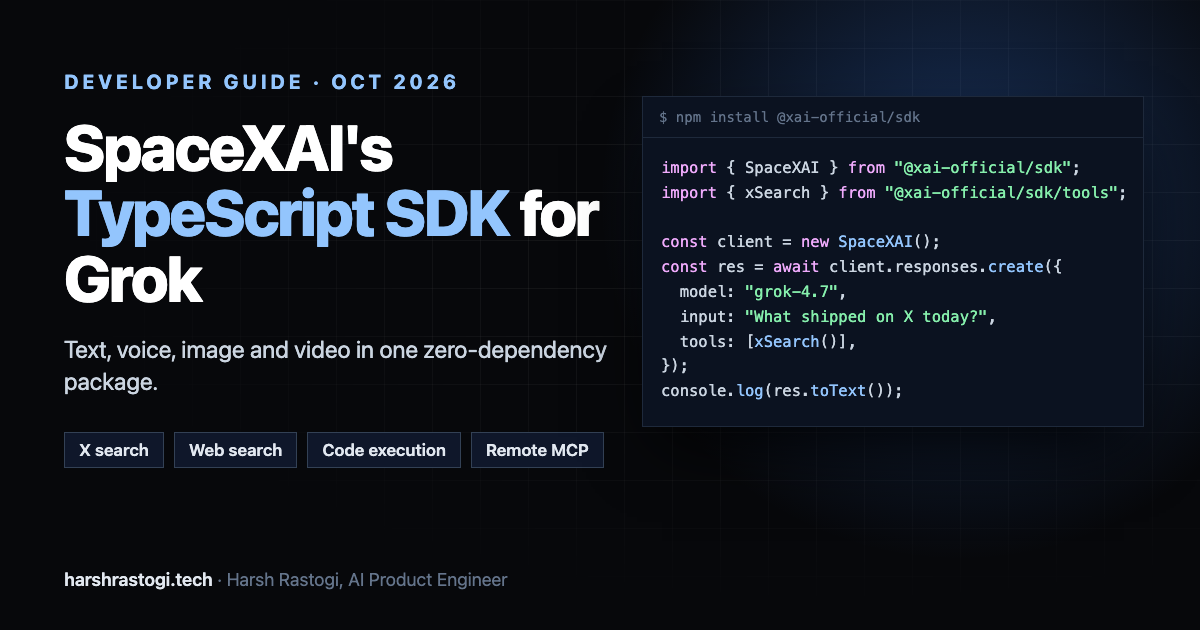
TL;DR: On October 2, 2026, SpaceXAI released an experimental official TypeScript SDK, @xai-official/sdk. One typed, zero-dependency package now covers text, voice, image and video on the latest Grok models, plus tools that run on SpaceXAI's servers: real-time X search, web search, code execution and remote MCP. It's Apache-2.0, needs Node 22.13+ and ESM, and the current version is 0.2.1. Below: what's in it, working code for each piece, the production gotchas hidden in the README, and how I'd use it in a real product.
The announcement came from Eric Zakariasson, who works on it at SpaceXAI (previously Cursor):
"we're releasing an experimental @SpaceXAI typescript sdk! get text, voice, image and video in one sdk, with the latest grok models, and tools that run on our servers, like real-time X search, web search, code execution and remote mcp"
What's in the SDK
| Area | What you get |
|---|---|
| **Responses API** | Text generation, streaming, multi-turn conversations, structured output, function tools, shell commands |
| **Built-in server tools** | `webSearch()`, `xSearch()`, `codeExecution()`, `collectionsSearch()`, `mcp()`, `imageGeneration()`, `toolSearch()` |
| **Images** | Generation and editing (`grok-imagine-image-2.0`) |
| **Video** | Background generation jobs with `generate()` and `wait()` (`grok-imagine-video-1.5`) |
| **Voice** | Text to speech with type-checked speech tags, plus transcription |
| **Platform** | Files, Batch API, tokenization, model and account lookup, usage and HTTP metadata |
Two details stood out to me before writing a line of code: it has no runtime dependencies, and it refuses to run in the browser by default, because a client-side API key is a leaked API key.
Install and First Call
npm install @xai-official/sdk
export XAI_API_KEY="your-api-key"import { SpaceXAI } from "@xai-official/sdk";
const client = new SpaceXAI();
const response = await client.responses.create({
model: "grok-4.7",
input: "Explain why the sky is blue in one sentence.",
});
console.log(response.toText());The client reads XAI_API_KEY automatically. toText() returns the answer as a string, which keeps the common case to one line.
Streaming, With Typed Events
Set stream: true and attach listeners. The event names are the nicest part of the API: you subscribe to what you actually care about instead of switching on raw server events.
const stream = await client.responses.create({
  model: "grok-4.7",
  input: "Write a short story about a curious robot.",
  stream: true,
});

const response = await stream
  .on("reasoning", (text) => process.stderr.write(text))
  .on("text", (text) => process.stdout.write(text))
  .on("server_tool_call", (call) => console.error(`\nSpaceXAI ran ${call.type}`))
  .done();

console.log(`\n${response.usage.total_tokens} tokens`);
The available events: text, reasoning, tool_call, client_tool_call (calls your code must run), server_tool_call (calls SpaceXAI ran), image, citation, and json for partial structured output. That split between client and server tool calls is exactly what you need to render an agent's progress in a UI.
The Big Deal: Tools That Run on Their Servers
Most SDKs give you function calling and leave the rest to you. Here, the tools that usually need extra infrastructure run on SpaceXAI's side and their results come back inside the response.
Real-time X search
This is the one nobody else can offer: live search over X posts, filtered by account and date.
import { xSearch } from "@xai-official/sdk/tools";

const response = await client.responses.create({
  model: "grok-4.7",
  input: "What has SpaceXAI announced on X this month?",
  tools: [xSearch({ allowed_x_handles: ["xai"], from_date: "2026-09-01" })],
});
Gotchas from the docs: allowed_x_handles and excluded_x_handles take up to 20 handles each and can't be combined, to_date is exclusive, and you can turn on enable_image_understanding or enable_video_understanding to let the model read media in posts.
Web search and code execution
import { webSearch, codeExecution } from "@xai-official/sdk/tools";

const response = await client.responses.create({
  model: "grok-4.7",
  input: "Find the last five quarters of Tesla deliveries and compute the growth rate.",
  tools: [webSearch(), codeExecution()],
});

console.log(response.toText());
console.log(response.usage.num_server_side_tools_used);
Code execution runs Python in a sandbox with common libraries installed, so the model calculates instead of guessing. usage.num_server_side_tools_used counts the server-side tool calls in a response, which is the number to log if you want to track what each feature costs.
Remote MCP
Point Grok at any remote MCP server and SpaceXAI connects to it during the response:
import { mcp } from "@xai-official/sdk/tools";

const response = await client.responses.create({
  model: "grok-4.7",
  input: "What is the modelcontextprotocol/typescript-sdk repository for?",
  tools: [mcp({ server_url: "https://mcp.deepwiki.com/mcp", server_label: "deepwiki" })],
});
The server must use the Streaming HTTP or SSE transport. You can restrict it with allowed_tools and pass credentials with authorization or headers. Two limits to know today: require_approval isn't supported yet, so there is no human-in-the-loop gate on MCP calls, and servers with many tools should use defer_loading: true plus toolSearch() so only the definitions the model needs land in the prompt.
Structured Output With Zod
Pass a JSON Schema through text.format, then validate and type the result in one call with any Standard Schema validator (Zod 3.24+, Valibot 1, ArkType 2, Effect Schema):
import { z } from "zod";

const TravelSuggestion = z.object({ city: z.string(), reason: z.string() });

const response = await client.responses.create({
  model: "grok-4.7",
  input: "Give me a city to visit in Japan.",
  text: {
    format: {
      type: "json_schema",
      name: "travel_suggestion",
      schema: {
        type: "object",
        properties: { city: { type: "string" }, reason: { type: "string" } },
        required: ["city", "reason"],
        additionalProperties: false,
      },
    },
  },
});

const { city, reason } = response.toJson(TravelSuggestion);
When streaming, the json event hands you the object parsed so far with unfinished strings and arrays closed, so you can render a form or a script as it's written.
Images and Video
Video generation is a background job: generate() returns a request_id and wait() polls until it's done.
const { request_id } = await client.videos.generate({
  model: "grok-imagine-video-1.5",
  prompt: "A paper boat drifting down a rain-soaked street",
  duration: 8,
  aspect_ratio: "16:9",
  resolution: "720p",
});

const result = await client.videos.wait(request_id);
if (result.status === "done") console.log(result.video?.url, result.usage?.cost_usd);
Two traps worth knowing. A wait() timeout or an aborted signal does not cancel the job: the video keeps generating and is still billed. And video URLs are temporary, so download the file as soon as it's ready.
For images, add the imageGeneration() tool inside a normal response, or call the image generation and editing methods directly when you need full control over size and format.
Voice With Type-Checked Speech Tags
This is the most thoughtful detail in the SDK. Text-to-speech supports speech tags like [pause], [laugh] and [laff] and suggests [laugh].
import { writeFile } from "node:fs/promises";

const speech = await client.voice.speak({
  text: "Welcome back. [pause] Let's get to work.",
  language: "en",
  voice_id: "eve",
});

await writeFile("welcome.mp3", await speech.bytes());
The type check only covers literals. For model-written text, which can invent tags, run stripInvalidSpeechTags() before speaking, or checkSpeechText() to log the problems. Transcription is client.voice.transcribe() with a Blob, a File or a URL.
Production Notes Hidden in the README
From building generative-AI products at Modelia, these are the lines I'd circle before shipping:
| Gotcha | What to do |
|---|---|
| **Experimental, pre-1.0** | Pin an exact version and read the changelog on every upgrade |
| **Errors mid-stream aren't retried**, because output may already exist | Use `retryBeforeOutput` for failures before the first token, and design your UI for partial answers |
| **Reasoning models can take minutes to start** at default effort | Set `reasoning: { effort: "low" }` for anything a user is watching |
| **Responses aren't stored by default** | Carry turns forward with `response.toInput()` and reuse one `prompt_cache_key` per conversation |
| **Server-side tool use is counted separately** | Log `usage.num_server_side_tools_used` per feature so you can see what each one costs |
| **Video jobs can't be cancelled** | Gate generation behind a credit check before calling `generate()` |
| **Model-written shell commands** | The `shell` tool runs on your machine, so sandbox it or allowlist commands |
My Take
The SDK is small, typed and honest about its limits, and the README reads like it was written by people who've shipped with it. The real differentiator isn't the client; it's X search as a first-class tool. If your product needs to know what's happening right now, from launches and outages to market reactions or what a specific account said today, Grok with xSearch() gives you that in a single call, which is hard to get from other model APIs.
Where I'd wait: anything that needs a human approval step on remote MCP calls, since require_approval isn't supported yet, and anything where breaking API changes before 1.0 would hurt. For prototypes, internal tools and real-time research features, it's ready to try today.
---
Harsh Rastogi is an AI Product Engineer at Modelia, building production generative-AI systems for fashion commerce, and the creator of carcode. He writes about AI systems, developer tooling and production engineering at harshrastogi.tech.
Frequently Asked Questions
What is @xai-official/sdk?
@xai-official/sdk is SpaceXAI's official TypeScript SDK for the Grok API, released as an experimental package on October 2, 2026. It covers text, structured output, tools, image and video generation, voice, files and batch processing in one typed, zero-dependency client.
How do I install the SpaceXAI TypeScript SDK?
Run npm install @xai-official/sdk (or pnpm add @xai-official/sdk), set the XAI_API_KEY environment variable, and create a client with new SpaceXAI(). It requires Node.js 22.13 or later and an ESM project.
Which server-side tools does the SDK support?
Web search, X search, code execution, collections search, remote MCP servers, image generation and tool search. SpaceXAI runs these tools and includes their results in the response.
Can I use the SpaceXAI SDK in the browser?
Not by default. The SDK blocks browser and Worker use because shipping a secret API key to client-side code exposes it. Call it from your server instead.
Is the SpaceXAI TypeScript SDK production ready?
It is experimental and pre-1.0, so interfaces may change between releases. Pin an exact version, read the changelog when upgrading, and note current limits such as no require_approval for remote MCP calls.
Written by Harsh Rastogi — AI Product Engineer leading AI product direction at Modelia. Connect with me on LinkedIn for more on Shopify, Generative AI, agentic systems, and production engineering.